
Install guide
ST-4955: Mobile Equipment Tracker, Solar Powered
A solar-powered tracker listed for trailers and attachments. There is no vehicle wiring to do for normal use: the solar panel charges the internal battery.
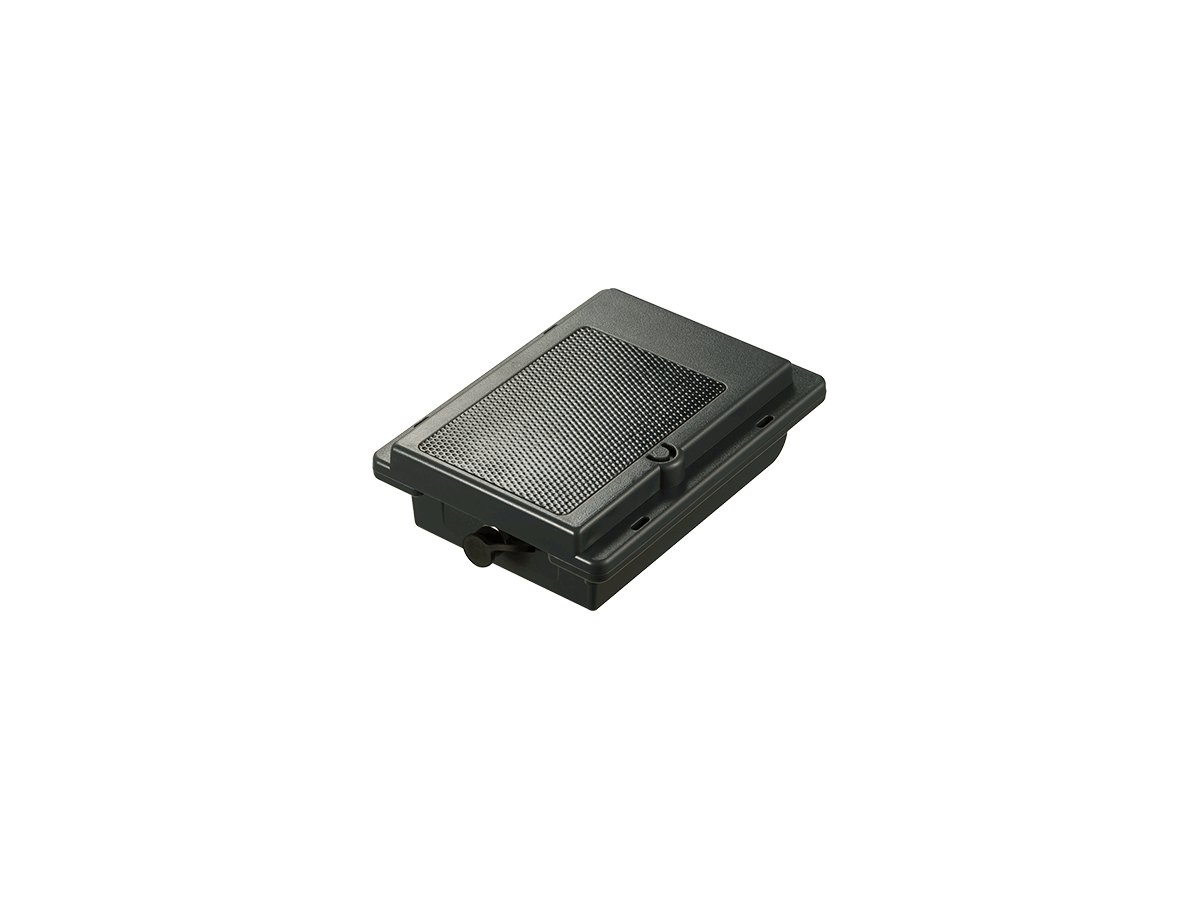
About this device
- Listed by Ryse Vision for trailers and attachments, with a 15-minute ping. [1]
- Includes a magnetic cradle bracket for toolless install. [2] Suntech lists a magnetic cradle for this model. [3]
- Self-sustaining solar power with a rechargeable battery (Suntech lists 9,000 mAh on the ST4955LCBW). [3]
- Rugged IP67 case. Operating temperature -20 °C to 60 °C (-4 °F to 140 °F) for the ST4955 series. [3] [4]
- Cellular: LTE Cat M1 / NB-IoT with 2G fallback. Built-in 3-axis motion sensor and a light sensor for tamper detection. [3]
Install steps
- The SIM is already installed and activated. You do not need to insert a SIM card. The tracker is ready to install.
- Pick a spot with sun. The tracker charges from its solar panel, so mount it where the panel is in the sun and the unit has open sky. [3]
- Mount it with the cradle that came with it. Ryse Vision describes the cradle as a magnetic bracket for toolless install. [2]
- Turn it on. Hold the supplied magnet on the sensor position for more than 2 seconds. The red and blue LEDs blink together twice, then the red LED stays lit for 3 seconds. [5]
- To turn it off, hold the magnet on the sensor position for more than 2 seconds again. The red LED blinks six times. While off, the red LED blinks once a second. [5]
Optional: external power cable
If your unit came with the external power cable, Suntech lists three wires: red is external power (DC 12 V to 33 V) for charging, black is ground, and yellow is an optional 1-wire temperature sensor. [3] Suntech warns that connecting wire inputs can be hazardous to the installer and to the vehicle's electrical system if done by an inexperienced installer. [5]
After it is installed
The SIM is already installed and activated, so the device is ready to use once it is mounted and, if it is a wired unit, powered. Our sales team emails your Ryse Vision login instructions within 1 business day of your order. When you have them, sign in with the Ryse Vision app: App Store (iPhone), Android from rysevision.com, or the web login.
Questions about your order: sales@rysevision.com or (325) 277-5155. Install and technical help: support@rysevision.com.
Sources
- Ryse Vision: Hardware & Cables (part numbers and applications)
- Ryse Track: Products page
- Suntech US: ST4955LCBW datasheet
- Suntech International: ST4955 series
- Suntech ST4955 User Manual, Rev 1.01 (mirror on device.report)
Specifications are the manufacturer's (Suntech). Your Ryse Track unit may be a variant of the model described there. If something on your device does not match this guide, stop and email support@rysevision.com.