
Install guide
ST-4345-LB: Mobile Equipment Track with Run Time
A wired run-time tracker listed for small equipment without diagnostics. It takes vehicle or machine power.
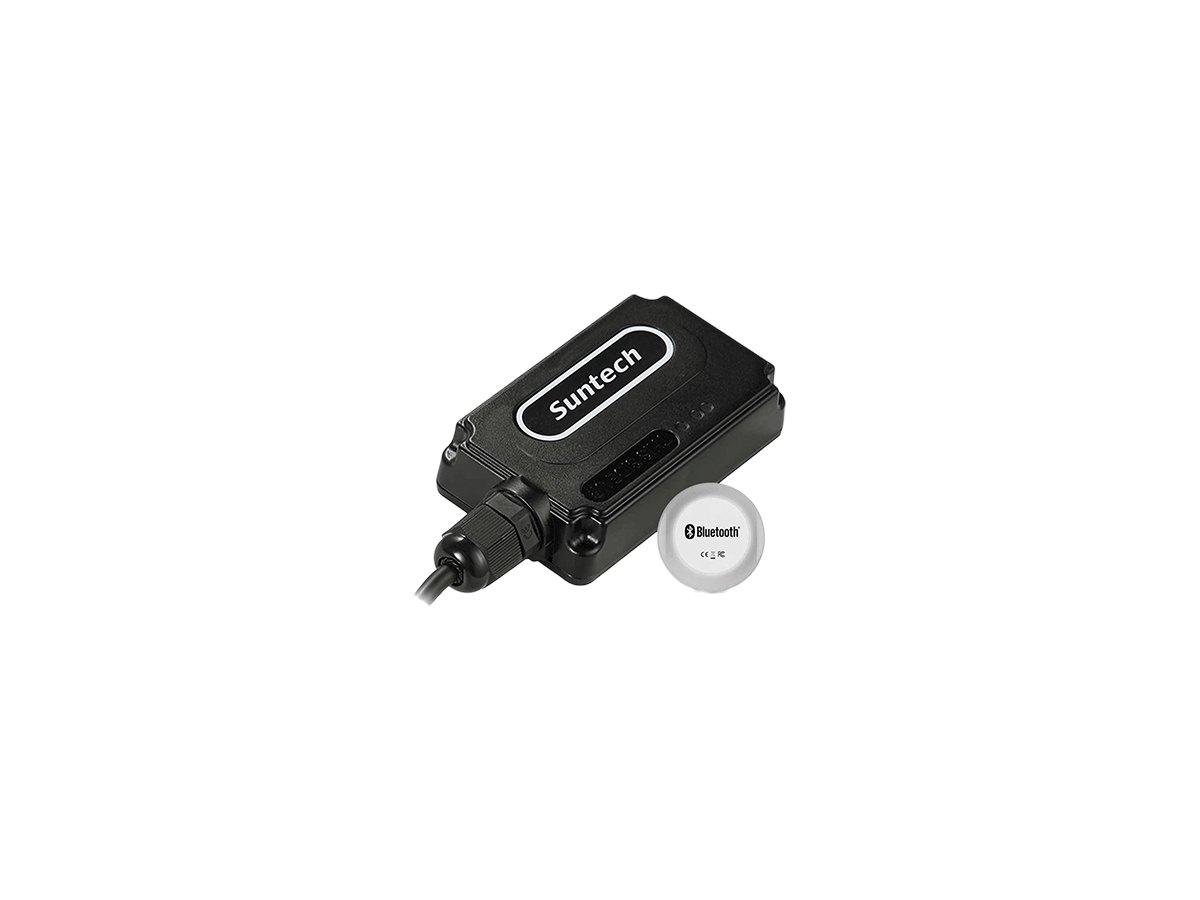
About this device
- Listed by Ryse Vision for small equipment without diagnostics. [1]
- Wired unit: 5-pin interface with ground, ignition and power pins. Power supply DC 8 V to 33 V. [3]
- Rugged IP67 case with a 450 mAh rechargeable backup battery. [3]
- Cellular: LTE Cat M1 / NB-IoT with 2G fallback. LED indicators for network and GPS. [3]
Install steps
Installation involves vehicle or machine wiring and needs electrical knowledge and the right tools. Use an experienced installer if you are not comfortable with it. [4]
- The SIM is already installed and activated. You do not need to insert a SIM card. The tracker is ready to install.
- Choose a location with open sky. Reseller guides for the ST4345 say to keep the unit out of metal-enclosed spaces and not under the hood, and to mount it away from large metal surfaces, secured with a zip tie so it cannot fall. [4] [5]
- Red wire: constant power. Connect it to a constant 12 V to 24 V source. [4]
- Black wire: ground. [4] [5]
- Blue wire: ignition / accessory wire. Never join the blue and red wires together and connect them to constant power. [4]
- No ignition wire available? Connect only the red and black wires. The unit then updates based on movement ("virtual ignition"), and ignition on/off and engine status reports are not available. [5]
- Leave any other wires unconnected. [5]
- Check the LEDs. Installation is complete when both LEDs show a steady one-blink pattern: blue means cellular network connected, red means GPS signal acquired. [4]
After it is installed
The SIM is already installed and activated, so the device is ready to use once it is mounted and, if it is a wired unit, powered. Our sales team emails your Ryse Vision login instructions within 1 business day of your order. When you have them, sign in with the Ryse Vision app: App Store (iPhone), Android from rysevision.com, or the web login.
Questions about your order: sales@rysevision.com or (325) 277-5155. Install and technical help: support@rysevision.com.
Sources
- Ryse Vision: Hardware & Cables (part numbers and applications)
- Ryse Track: Products page
- Suntech US: ST4345LB datasheet
- HOS247 Support Center: Install Suntech ST4345LB Hardware (reseller guide)
- Matrack: ST-4345 Weatherproof Hardwired Tracker (reseller guide)
- FieldLogix: Suntech hardwire tracker installation guide (reseller guide)
Specifications are the manufacturer's (Suntech). Your Ryse Track unit may be a variant of the model described there. If something on your device does not match this guide, stop and email support@rysevision.com.